What's covered
Data backup and disaster recovery
Backups only matter if your files and systems can be restored when you need them. We explain managed backup and disaster recovery in plain English, then help you find an independent provider if you want quotes.
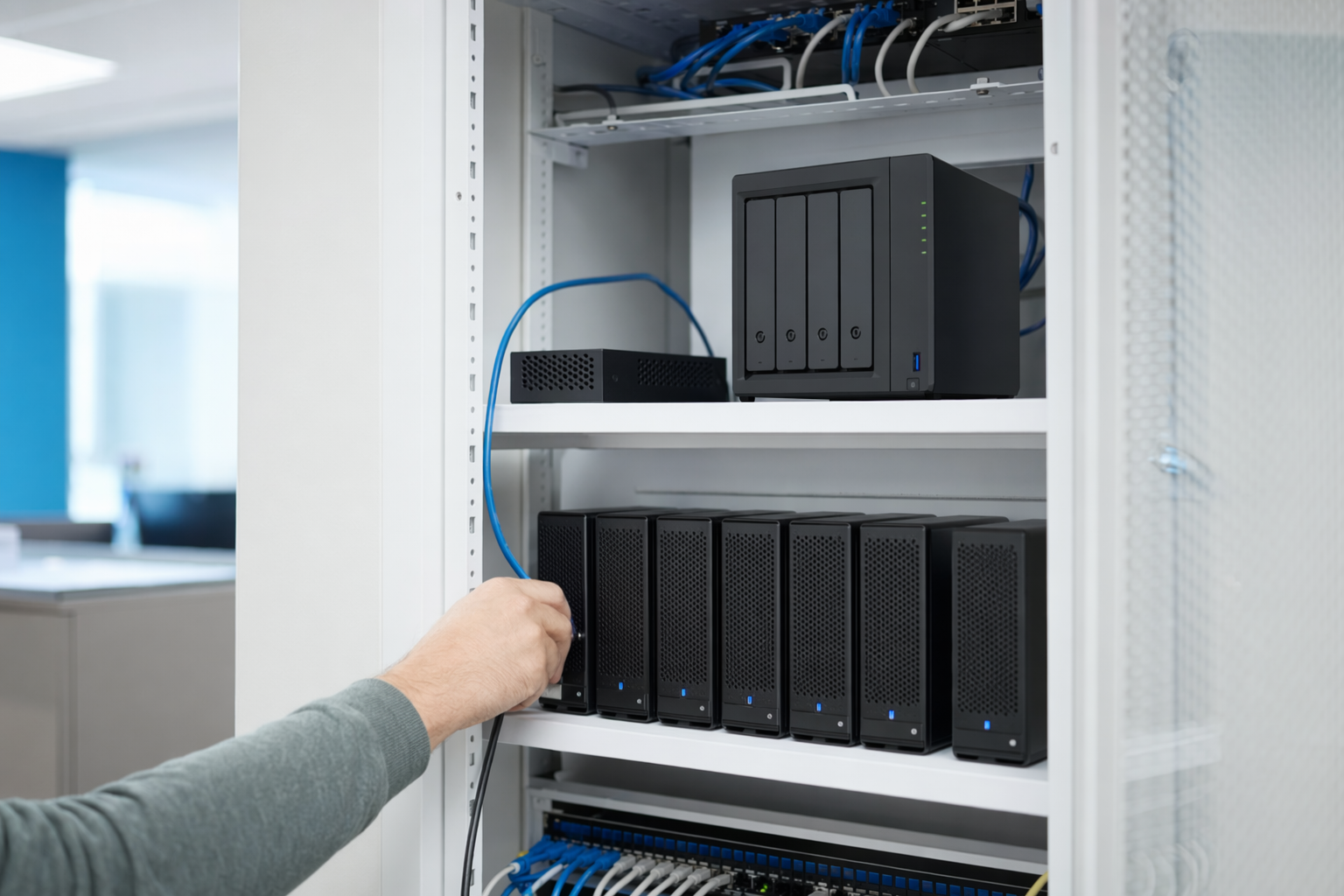
What this covers
Data backup and disaster recovery are related, but they are not the same thing. Backup means copies of your business data are made and stored somewhere separate. Disaster recovery means having a practical plan to restore that data and get important systems working again after a server failure, ransomware attack, accidental deletion, fire, or other major problem.
A lot of businesses think they are protected because files sync to the cloud or someone plugs in an external drive. That may help, but it is not always enough. A good setup looks at where your data lives, how often it changes, how quickly you need it back, and who is responsible for checking that backups actually work.
Managed backup and disaster recovery usually means an independent managed service provider, or MSP, sets up backup tools, monitors backup jobs, keeps copies off-site, and tests restores on a schedule. The goal is not perfection. No honest provider promises zero downtime or an unhackable network. The goal is to reduce risk, shorten downtime, and make recovery less chaotic.
What a provider actually does
A provider usually starts by finding the systems and data that matter most. That may include Microsoft 365 or Google Workspace email, shared files, accounting software, line-of-business apps, servers, cloud systems, laptops, and workstations. An endpoint is any individual device connected to your business, like a laptop, desktop, or server.
Then they help design a backup plan. That often includes local copies for faster restores, off-site copies in a separate location, and retention rules for how long backups are kept. You may hear about a 3-2-1 backup approach. That means keeping 3 copies of data, on 2 different types of storage, with 1 copy kept off-site.
The important part is restore testing. A provider should not just say backups ran successfully. They should test whether files, systems, or virtual machines can actually be restored within a reasonable time. They may also document recovery priorities, who to call, and the order in which key systems should come back online.
Some providers also bundle related security and monitoring tools. For example, patching means keeping software and operating systems updated with fixes. Multi-factor authentication, or MFA, means users need a second step to sign in, such as an app code. Endpoint detection and response, or EDR, is security software that watches devices for suspicious behavior. These tools support recovery planning, but they are not the same as backup.
What to look for in the backup plan
The right setup depends on your business. A medical office, warehouse, law firm, retailer, and construction company may all need something different. Requirements can also vary by state and by industry. If you handle regulated data, ask whether the provider has experience with rules that may apply to you, such as HIPAA, the Health Insurance Portability and Accountability Act for healthcare, or PCI, the Payment Card Industry Data Security Standard for businesses that process card payments.
Ask where backups are stored, how often they run, and what is included. Some plans cover servers but not cloud apps. Some cover file recovery but not full system recovery. Some include Microsoft 365 backup, some do not. If your business depends on a specific application, make sure that application is discussed by name.
You should also ask how restores are tested. A dashboard that says "backup completed" is not the same as proof that your files can be recovered. A good provider should be able to explain what they test, how often they test, and what happens if a backup fails.
Service terms matter too. An SLA, or service level agreement, is the written document that explains what response times, coverage hours, and responsibilities are included. Read it carefully. In backup and disaster recovery, the details matter.
Honest cost range
For small and mid-sized businesses in the US, managed backup and disaster recovery often starts around $20 to $75 per user per month for basic cloud and workstation backup, or roughly $50 to $200 or more per server per month for server backup. More complex environments, larger storage needs, longer retention periods, faster recovery goals, and compliance requirements can push costs higher.
Some providers price backup as part of a broader managed IT package. Others price it separately. You may also see one-time setup fees for planning, onboarding, and initial backup seeding. If your business needs image-based backup, disaster recovery appliances, cloud failover, or frequent restore testing, expect the range to move up.
The real number depends on your headcount, number of devices, amount of data, security needs, recovery expectations, and local market. These ranges are not quotes. If you want a broader view of IT pricing, see our guide on how much managed IT services cost.
What to ask, and what to put in writing
Before you choose a provider, ask simple direct questions. What data is backed up, and what is not? How often are backups run? Where are copies stored? How long are they kept? How do you test restores? If we lose a file, a laptop, a server, or Microsoft 365 data, what is the recovery process?
Also ask about responsibility. Who notices failed backups? Who contacts your team? What help is included during an actual outage? If another vendor hosts your line-of-business app, who coordinates with them? Clear roles can prevent a lot of confusion when something goes wrong.
Get the important points in writing, not just in a sales call. Your agreement should identify covered systems, retention periods, restore testing cadence, response expectations, and any limits or exclusions. If the provider offers strategic advice through a virtual Chief Information Officer, or vCIO, that means an outsourced IT planning role, ask whether backup and recovery planning reviews are included.
If you are comparing options, our services page can help you understand where backup fits into the bigger picture.
Get matched with an independent provider
NodeBridge IT is a free matching service. We are not a managed IT provider, and we do not access, manage, monitor, repair, or secure your systems. We give general educational help and connect you with an independent provider that serves your area and business type.
If you want, we can help you find a provider to discuss backup coverage, restore testing, disaster recovery planning, and pricing. You only share basic business and contact details with us, never passwords or system access. Start here to get matched.
- Free for your business
- US-focused matching for small and mid-sized companies
- Helpful if you are comparing managed IT for the first time
An honest note
NodeBridge IT is a free matching service, not an IT provider. The information here is general and educational — confirm scope, SLAs, and price in writing with any provider before you sign. No one can guarantee uptime, security, or recovery.
We explain backup and disaster recovery in plain English and can help you find an independent provider to set up and test a recovery plan.
Common questions
Is Microsoft 365 or Google Workspace enough as a backup?
Not always. Those platforms provide useful availability features, but that is different from having an independent backup and restore plan for email, files, and accounts. Ask a provider to explain exactly what can and cannot be recovered.
How often should backups be tested?
It depends on how critical the system is and how much data changes each day. The key point is that restores should be tested on a defined schedule, and the schedule should be written down.
Can a provider guarantee we will never lose data or have downtime?
No honest provider should promise that. Good backup and disaster recovery planning can reduce risk and improve recovery, but it cannot eliminate every outage, attack, mistake, or hardware failure.
Do we need backup if we are a small business?
Usually yes. Small businesses still rely on email, files, accounting data, customer records, and key apps. The right setup may be simpler than a large company's, but having no tested recovery plan can be expensive.
What information do you need to match us?
Just basic business and contact details, plus a little context about your size, location, and what kind of help you want. We do not ask for passwords, network credentials, or system access.
Ready to find a managed IT provider that fits?
Get matched, free, with independent managed IT providers near you. You compare scope, response times, and price — and you choose who to hire. We never ask for passwords or system access.