Guides
What is an SLA, and why it matters
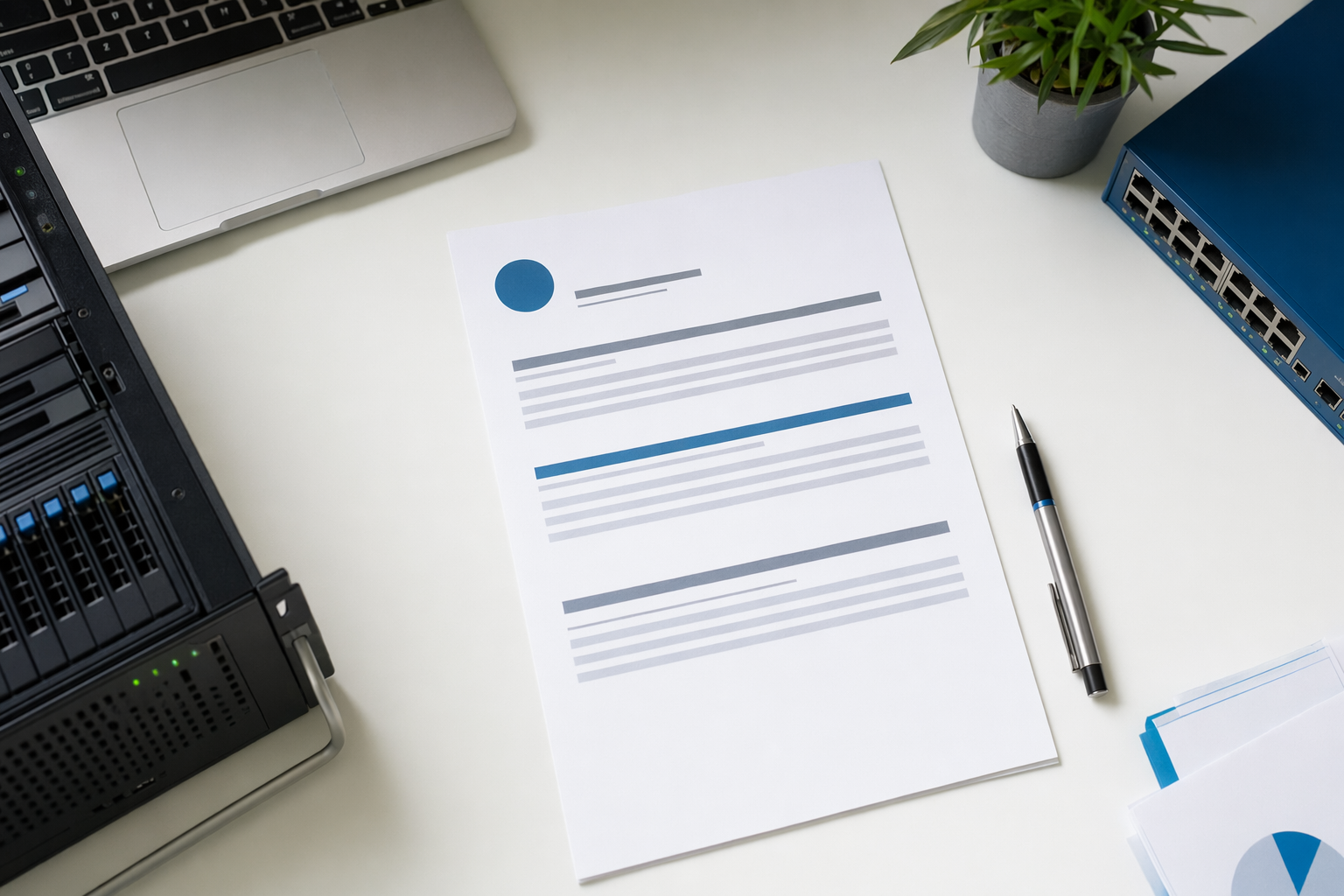
A service-level agreement, or SLA, is the written part of an IT service contract that says how fast a provider should respond, how issues are prioritized, and what counts as resolved. It matters because it turns vague promises into something you can compare.
The short answer
An SLA, short for service-level agreement, is the written agreement that explains the service standards an independent managed IT services provider, or MSP, is aiming to meet. It usually covers response times, service hours, issue priority levels, and what the provider will and will not handle.
In plain English, it answers questions like these: If your office cannot send email, how quickly does someone respond? If one employee has a printer problem, does that get treated the same way as a company-wide outage? If a problem is worked on but not fully fixed, does that still count?
A good SLA does not mean nothing will ever break. No honest provider promises zero downtime or an unhackable network. It does mean you have a written standard for how support is delivered, so you are not relying on memory or sales talk.
What it means for your business
For a small or mid-sized business, the SLA is often the difference between "they said they would help" and "here is what help looks like." It gives your owner, office manager, or operations lead a clear way to judge whether support is organized and predictable.
This matters most when time is tight. If your point-of-sale system is down, your phones are not working, or staff cannot access shared files, the business impact is immediate. A written agreement helps set priority. It should explain which issues are urgent, which are routine, and how the provider handles each one.
It also helps with expectations inside your team. Employees often assume every issue should be fixed right away. In reality, providers usually sort tickets by business impact. A company-wide outage may get immediate attention. A non-critical laptop setup request may wait until higher-priority work is stable.
If you are just starting to compare support options, our services page gives a simple overview of what managed IT usually includes, and our answers page covers common buying questions in plain words.
What is usually inside an SLA
Most SLAs cover a few core areas. First is response time. That means how quickly the provider acknowledges the issue and starts communication. It is not always the same as full resolution.
Second is severity or priority. A good SLA defines categories such as critical, high, normal, and low. For example, a complete internet outage affecting the whole office may be critical. One employee needing software installed may be low priority.
Third is resolution target or service goal. This is the provider's target for getting the issue working again, or at least restoring enough function for your team to keep operating. Some agreements also define escalation, meaning when the issue gets handed to a more senior technician or specialist.
You may also see related terms in the contract. A statement of work describes a specific project. Business hours explain when standard support applies. After-hours support may cost extra. Some providers also mention patching, which means installing software and system updates, endpoint protection, which means security software for laptops, desktops, and other devices, and remote monitoring and management, or RMM, which is software used by the provider to watch device health and perform routine tasks. If these are included, the SLA should make clear what is covered and when.
Honest numbers, and what they really mean
There is no single standard SLA for every business. Targets vary by provider, contract type, local labor market, and how much support you are buying. Still, many small business IT agreements use ranges like these as a starting point.
For critical issues, a first response target might be 15 minutes to 1 hour during covered support hours. For high-priority problems, you may see 1 to 4 business hours. For routine requests, it may be same day or next business day. Resolution targets are often broader because some problems depend on outside vendors, hardware shipping, software bugs, or approval from your team.
Some contracts mention uptime for specific systems the provider helps manage, often in the high 99 percent range for certain hosted services. Read this carefully. Uptime language can apply to a specific service, not your whole business. It also usually comes with exclusions, such as internet carrier outages, power failures, third-party platform issues, weather events, or anything outside the provider's control.
These numbers are not automatic proof of better service. A provider can promise aggressive targets on paper and still communicate poorly. Another provider may use more realistic targets but deliver steady, organized support. Ask how they measure performance, how they track tickets, and what happens if targets are missed.
What to do next
If you are reviewing proposals, ask each provider for the SLA before you sign anything. Read the sections on priority levels, response targets, exclusions, after-hours coverage, and what counts as resolved. If the language feels vague, ask for examples tied to your actual business day.
A simple test helps. Give three real scenarios and ask how each would be handled: your office internet is down, one staff member cannot log in, and a new employee needs a laptop set up. The answers will show whether the provider has a practical support process or just general promises.
You should also compare the SLA with pricing. Lower-cost plans sometimes offer slower response, limited service hours, or narrower coverage. More comprehensive plans may include stronger coordination, more security tools, and faster targets. The right fit depends on your headcount, devices, security needs, and area. Prices and service ranges are not quotes.
If you want help sorting through options, NodeBridge IT can help you find an independent managed IT provider that fits your business. Our service is free for businesses. We give general educational guidance and connect you with providers, but we do not manage systems, access accounts, or perform IT work ourselves.
An honest note
NodeBridge IT is a free matching service, not an IT provider. The information here is general and educational — confirm scope, SLAs, and price in writing with any provider before you sign. No one can guarantee uptime, security, or recovery.
An SLA is the written agreement that says how IT support should respond, how issues are prioritized, and what service you should expect in normal language.
Common questions
Is an SLA the same as the full IT contract?
Usually no. The SLA is often one part of the overall agreement. The full contract may also include pricing, contract length, project work, security tools, and what is excluded.
Does a fast response time mean my problem will be fixed quickly?
Not always. Response time means the provider starts communication or triage. Full resolution can take longer, especially if hardware, internet carriers, software vendors, or approvals are involved.
What is a good SLA for a small business?
A good SLA matches your real business needs. If downtime stops revenue, you may need faster targets and broader support hours. If your needs are lighter, a simpler agreement may be enough.
Should the SLA include uptime?
Sometimes, but read the details closely. Uptime terms may apply only to a specific hosted service, and they usually exclude issues outside the provider's control.
Can I negotiate SLA terms?
Often yes, especially if you have special hours, multiple locations, compliance needs, or a high cost of downtime. Some providers have standard packages, but many can adjust service levels or pricing tiers.
How can NodeBridge IT help if you are not an MSP?
We provide general information and help you find an independent managed IT provider. We do not access your systems or provide IT support ourselves.
Ready to find a managed IT provider that fits?
Get matched, free, with independent managed IT providers near you. You compare scope, response times, and price — and you choose who to hire. We never ask for passwords or system access.