Free downloads
Backup & recovery plan template
Use this simple template to write down what your business backs up, where copies live, how often backups run, and how you would restore operations after a problem. It helps you organize the basics before you talk with an independent managed IT provider.
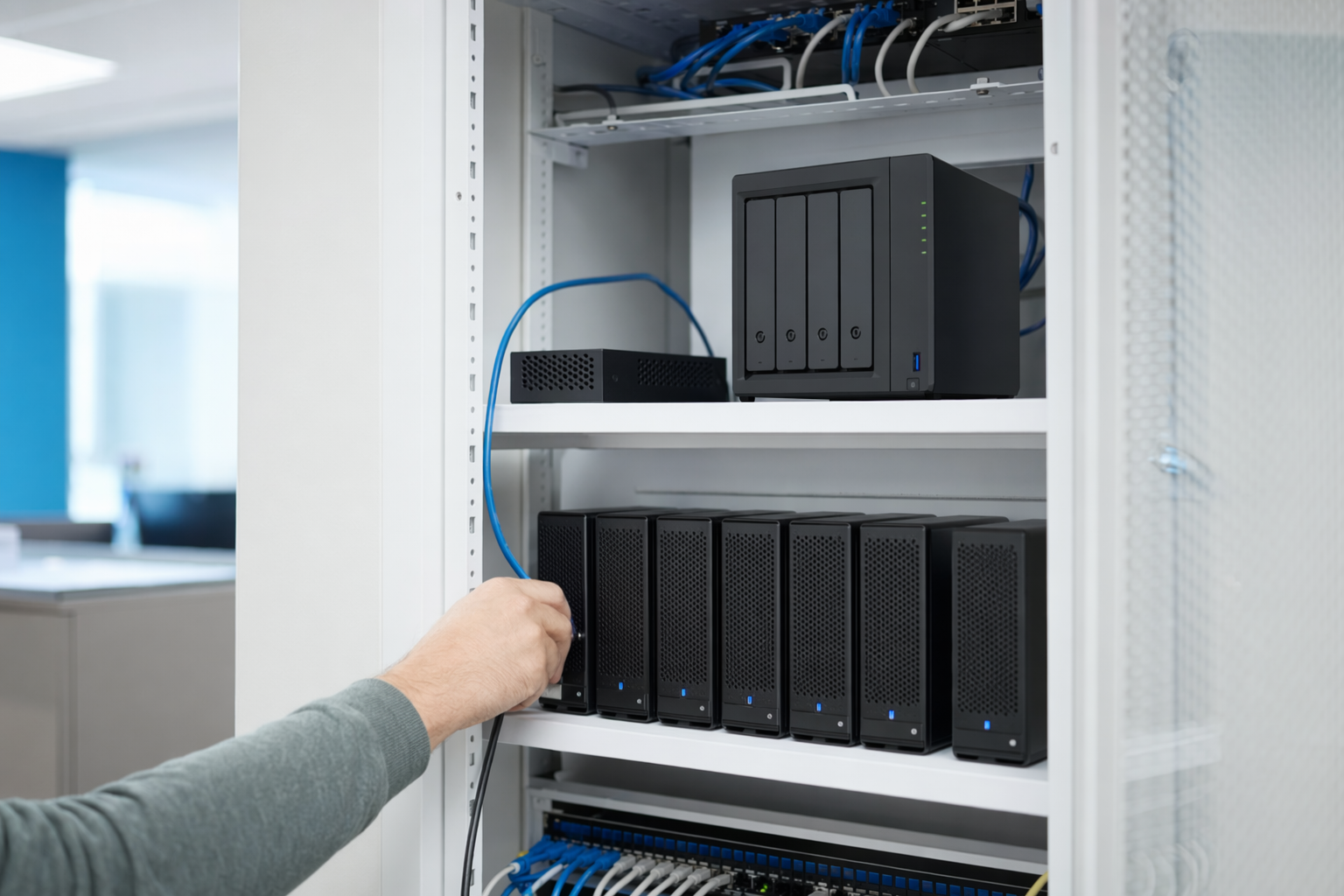
What this template helps you do
A backup and recovery plan is a plain-language record of what matters in your business and how you would get it back after accidental deletion, hardware failure, ransomware, or a cloud account issue. It is not just an IT document. It is also an operations document, because it covers the files, systems, and tools your team needs to keep working.
This template helps you list your important data, the apps and devices tied to that data, where backups are stored, how often they run, who is responsible, and how recovery should happen. It also gives you a place to note your recovery goals, which means how much data loss you can tolerate and how long you can realistically be down.
Many owners get asked for this by auditors, cyber insurance carriers, lenders, or larger customers during vendor reviews. Requirements vary by industry and state. If you handle regulated information, such as health or payment data, your provider may also help align the plan with rules like HIPAA, the Health Insurance Portability and Accountability Act, or PCI, the Payment Card Industry Data Security Standard.
How to use the template
Keep it simple. Start with your most important systems first. For many small businesses, that means email, shared files, accounting, line-of-business software, customer records, and the computers people use every day. Do not try to document everything perfectly on day one.
For each item, fill in five basic facts. What it is. Where it lives. How it is backed up. How often the backup runs. How you would restore it if needed. If you do not know an answer, write "unknown" and flag it for follow-up. That is still useful.
Use business names and system names only. Do not put passwords, multi-factor authentication details, admin usernames, network credentials, or account recovery codes into this document. Multi-factor authentication, or MFA, means a second step beyond a password, such as a code or app approval. This plan should describe the process, not store secrets.
Update the document when something changes, such as a new software platform, a new server, a new office, or a change in who handles vendors. A plan that is six months old is better than no plan, but a current plan is much more useful when there is pressure.
Backup & recovery plan template
Copy this into a document or spreadsheet and fill it in.
Business name:
Primary contact:
Backup plan owner:
Date created:
Last updated:
Industry:
Special requirements, if any:
Critical systems and data inventory:
System or data set:
Business purpose:
Where it lives, cloud app, local server, computer, external drive, or vendor platform:
Primary owner inside the business:
How important it is, high, medium, or low:
If unavailable, what stops:
Backup details for each system:
What is backed up:
Backup method:
Backup location:
Backup frequency, hourly, daily, weekly, or other:
How long backups are kept:
Who monitors backup success:
Who gets alerts if a backup fails:
Is backup encrypted:
Is a copy kept offsite:
Recovery details for each system:
Restore priority, first, second, third, and so on:
Maximum acceptable data loss:
Maximum acceptable downtime:
What is needed to restore, device, software license, vendor contact, internet, replacement hardware:
Who approves a restore:
Who performs the restore:
How users will work during downtime:
How you will confirm data is complete after restore:
Testing and review:
When was the last restore test:
What was tested:
Did it work:
Problems found:
Fixes completed:
Next review date:
Vendors and contacts:
Cloud app vendors:
Internet provider:
Independent managed IT provider, if any:
After-hours contact method:
Cyber insurance carrier and claim contact:
Incidents and decisions:
Common reasons to restore, accidental deletion, malware, device failure, account lockout, vendor outage:
Who decides whether to restore a single file, full system, or alternate copy:
How employees report a problem:
How customers are informed if service is affected:
What good answers usually include
The strongest plans are specific. Instead of saying "we back up the server," say which server, what folders or applications matter, how often the backup runs, and where a separate copy exists. If you use cloud software, note whether that vendor includes backup or whether a separate backup product is used. Many owners assume cloud software means fully backed up. That is not always true.
It also helps to note your real-world recovery order. For example, email and accounting may matter more than archived design files. Payroll may matter more than a conference room computer. Recovery is about business priorities, not just technology.
A solid plan often follows the 3-2-1 backup idea. That means 3 copies of important data, on 2 different types of storage, with 1 copy kept offsite. It is a common guideline, not a magic rule, and the right setup depends on your systems, budget, and risk tolerance.
If you work with an MSP, a managed services provider, ask them to review your draft and point out gaps. If you do not have one yet, NodeBridge IT can help you find an independent managed IT provider for that conversation.
What to do with your answers
Once the template is filled out, keep a copy where business leaders can reach it during an outage, but not in a way that exposes sensitive account access. A printed copy or a restricted internal document can both work. The point is to make sure the plan is available when the usual systems may not be.
Then ask practical questions. Are any critical systems not backed up at all. Are backups running often enough for the pace of your business. Has anyone actually tested a restore. Are alerts going to a real person. If the answer is unclear, that is a good reason to get outside help.
This is also a useful document for insurance applications and security questionnaires. Some businesses are also asked about endpoint protection. An endpoint means a work device such as a laptop, desktop, or server. You may also be asked about patching, which means applying software and operating system updates, and EDR, endpoint detection and response, a tool that helps spot suspicious activity on devices. Your backup plan will not replace those controls, but it should fit with them.
If you want a second set of eyes, read more in our guides or learn the basics of common services. If you want help comparing options, we can connect you with an independent managed IT provider.
A few honest limits to keep in mind
A written plan is important, but it does not guarantee recovery. Backups can fail, storage can fill up, retention settings can be wrong, and restore steps can take longer than expected. No honest provider promises zero downtime or an unhackable network.
That is why restore testing matters. A backup job that shows "success" is only part of the picture. The real question is whether your business can restore the right data, in the right order, within a timeframe your team can live with.
Cost also varies widely. Some businesses spend very little because they have a few cloud apps and simple file needs. Others need backups for servers, Microsoft 365 or Google Workspace data, accounting systems, and longer retention. As a rough range, small business backup tools and management can run from tens of dollars per month for very basic setups to several hundred or more per month for broader coverage. Those are not quotes. The real number depends on headcount, devices, security needs, retention requirements, and your area.
An honest note
NodeBridge IT is a free matching service, not an IT provider. The information here is general and educational — confirm scope, SLAs, and price in writing with any provider before you sign. No one can guarantee uptime, security, or recovery.
This page gives you a simple backup and recovery plan template so you can document the basics and be better prepared to talk with an independent managed IT provider.
Common questions
Do I need this if all our files are in the cloud?
Usually yes. Cloud software does not always mean complete backup and easy restore. You still need to know what is protected, how long copies are kept, and how you would recover if something is deleted or an account is disrupted.
How often should we test a restore?
A common starting point is at least once or twice a year for key systems, with more frequent checks for critical data. The right schedule depends on how important the system is and how much change happens in your business.
What is the difference between backup and disaster recovery?
Backup is the copy of your data. Disaster recovery is the broader plan for getting people, systems, and operations working again after a major problem. Backup is one part of disaster recovery.
Can NodeBridge IT review our backups?
No. NodeBridge IT is not an MSP or IT company, and we do not access or manage your systems. We provide general education and free matching so you can speak with an independent managed IT provider.
What if I do not know the answers yet?
That is normal. Write down what you do know, mark unknown items clearly, and use the draft as a working document. Even an incomplete plan makes it easier to spot gaps and ask better questions.
Ready to find a managed IT provider that fits?
Get matched, free, with independent managed IT providers near you. You compare scope, response times, and price — and you choose who to hire. We never ask for passwords or system access.